Ultimate TCG Card Maker
Create custom One Piece cards with your own artwork and text.
Create CardsCheck out some amazing playmats from SpadePiratesDesigns!Create custom One Piece cards with your own artwork and text.
Create CardsCheck out some amazing playmats from SpadePiratesDesigns!Try different frames, add your artwork and make each card your own. Keep your designs together and return to edit them whenever inspiration strikes.
5$ / month
Start from a card template, import a saved preset, or find a card in the database. Change the art, name, stats and effects while you preview the result.
Design card text in English, French, Japanese or Chinese. The card language is separate from the website language, so you can use the editor in the language you prefer.
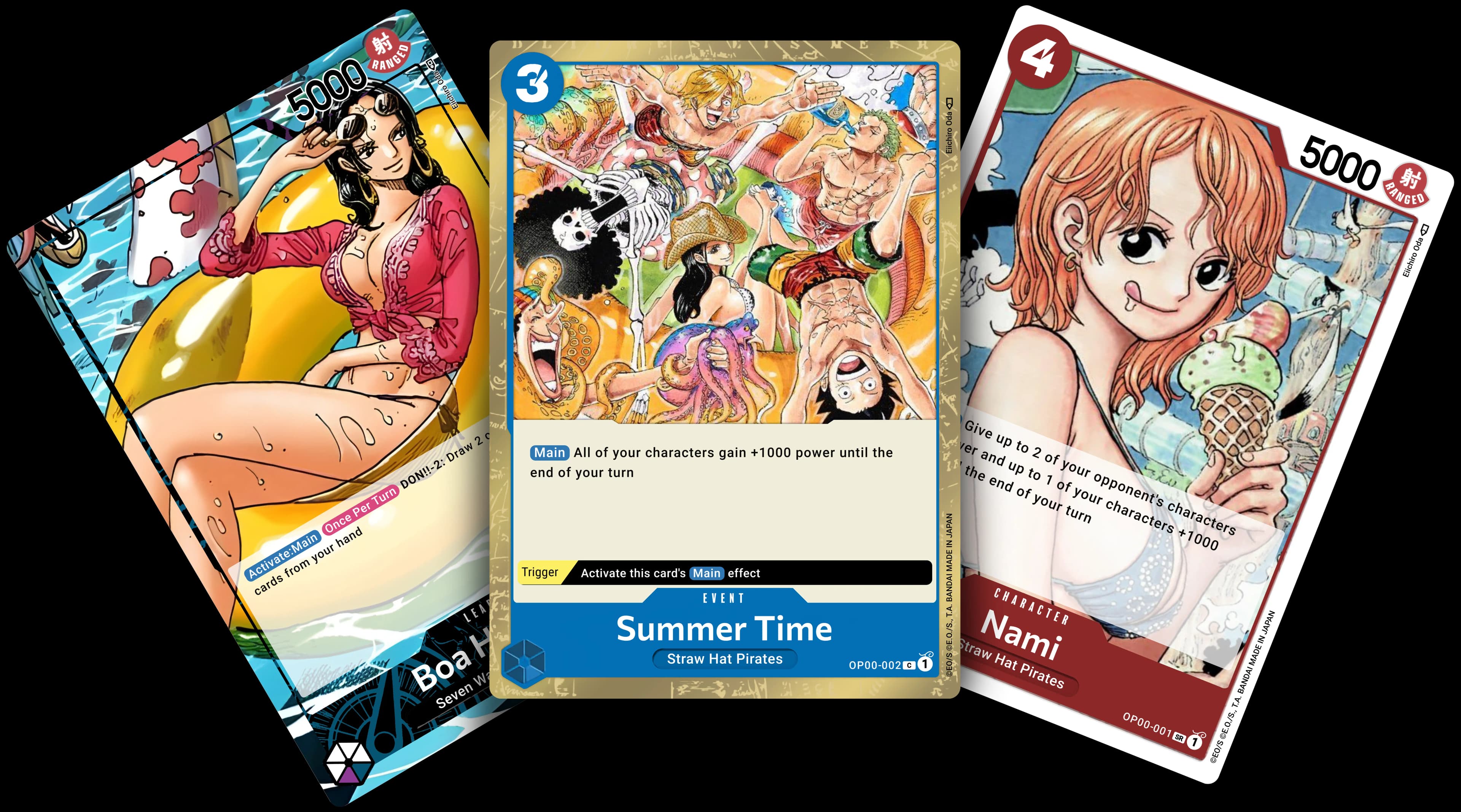
Choose Standard, Super Rare, Secret Rare, Manga Rare, SP, Five Elders or Wanted styles. Combine card colors, customize the frame, and add your own artwork, abilities and counter.
Create a custom Leader with single or dual colors, two attributes and alternate-art frames, including white, black, gold, rainbow and full-art styles.
Create Event cards with custom costs, ability and trigger text. Add a manual line break to long names and choose Standard or EB02 frames.
Build Stage cards with your own scenes, traits and effects. Adjust text size, outlines and artwork to fit the card.
Make custom DON!! cards with your own artwork and text. Place the foreground behind the border to keep the frame visible.
Crop foreground and background images separately, choose custom colors, and position artwork in front of or behind the border. Use two-line card names, styled ability badges, text outlines, row guides, and selection size and width controls. Save custom abilities for reuse; Make playable can normalize supported English ability text.
Keep cards and reusable images together in your library. Select several values in the same filter—such as two sets or costs 2, 3 and 4—to find the cards you need. Reopen saved cards, import and export presets, download images, and share selected cards or collections with a link.
Explore the libraryArrange card images into print sheets with Proxy Print. Choose A4, Letter or other paper sizes, standard or custom card dimensions, bleed, spacing and cutting guides. Add copies, arrange pages and download a PDF. Creator and Lifetime plans also include print-ready card image exports.
Open Proxy PrintOpen the editor, choose a card kind and bring your idea to life. Check the plans above for image downloads, saved abilities and library storage.